Introduction
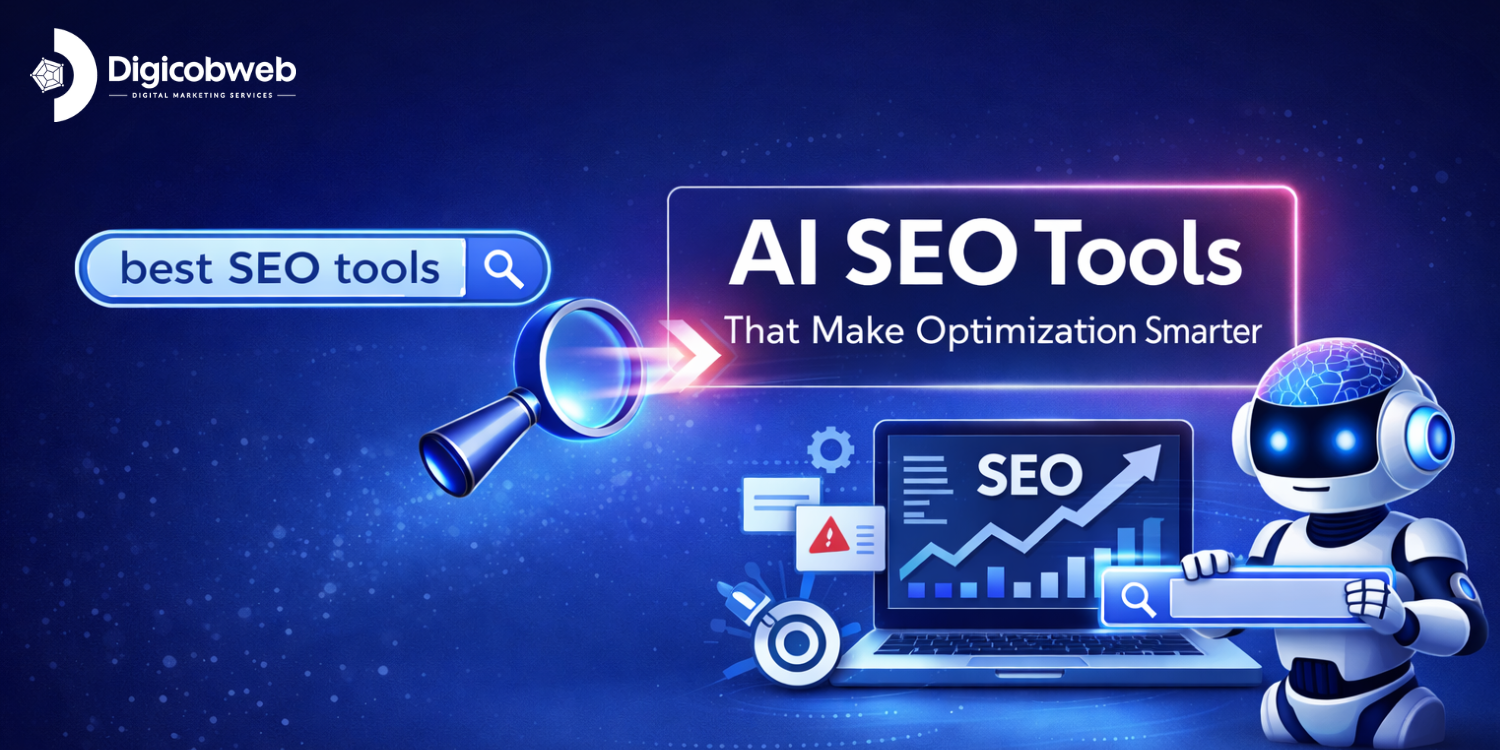
AI has changed how SEO teams work, but it hasn’t replaced the fundamentals that actually move rankings. Look, it just speeds up the stuff that used to drain your day: research, audits, outlines, clustering, and figuring out what people actually want when they search. From what I’ve seen, the right mix of tools makes your workflow smoother without turning everything into a science experiment.
Here’s the thing: not every AI-powered tool actually helps. Some write fast but miss intent. Others run audits you can’t use. And then you’ve got tools that swear they’re automated, but you’re still fixing half the output.
Now, this guide keeps things clean and practical. Look, you’ll only see tools that genuinely help with rankings, content quality, and day-to-day efficiency.
Plus, we’re covering the essentials: all-in-one platforms, content optimization helpers, AI writers, keyword tools, and technical options that keep your site running smoothly.
Can AI Replace SEO?
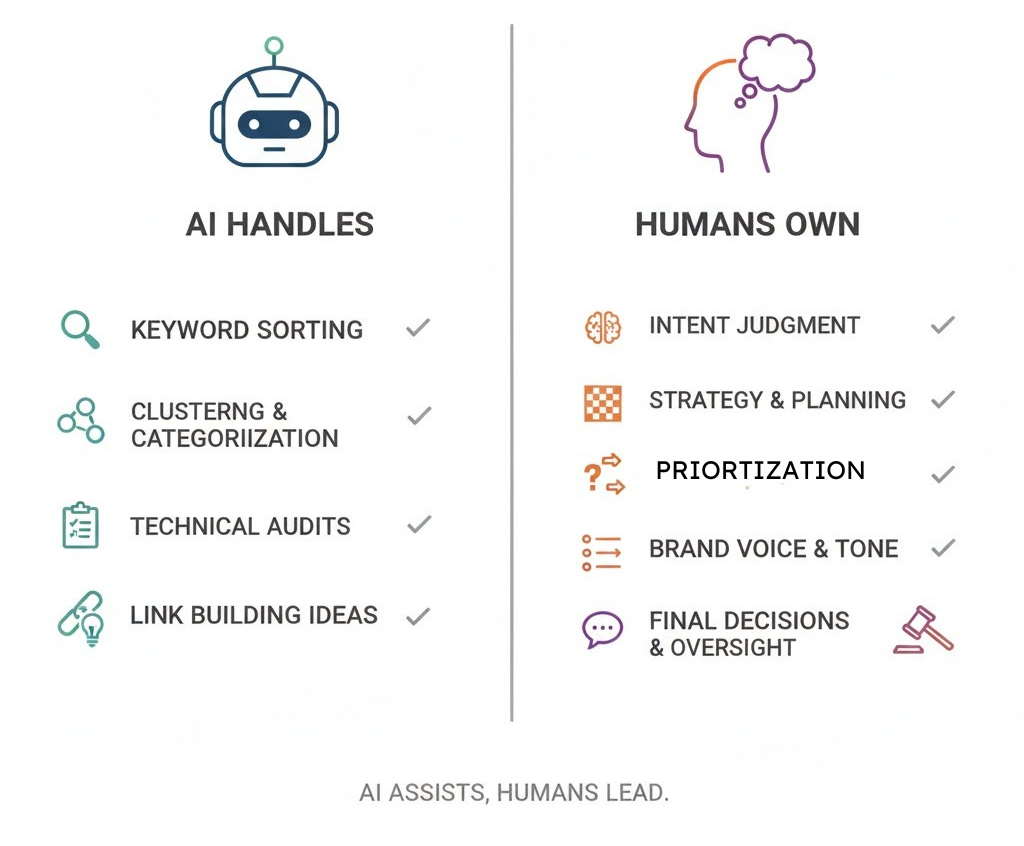
Search isn’t just data. It’s context, intent, timing, and knowing why someone clicks one result over another. Now, AI is amazing at the grunt work. From what I’ve seen, it speeds up keyword sorting, content clusters, internal link ideas, and quick audits. And you should use it for that; it’ll save you hours. But SEO decisions still fall on you. Still, if you pair strong tools with clear human direction, you get the best of both worlds.
But people who know how to use AI in their SEO process? They’re already ahead.
Also Read: SEO Activities That Still Matter in the AI Search Era
How Can I Choose AI SEO Tools
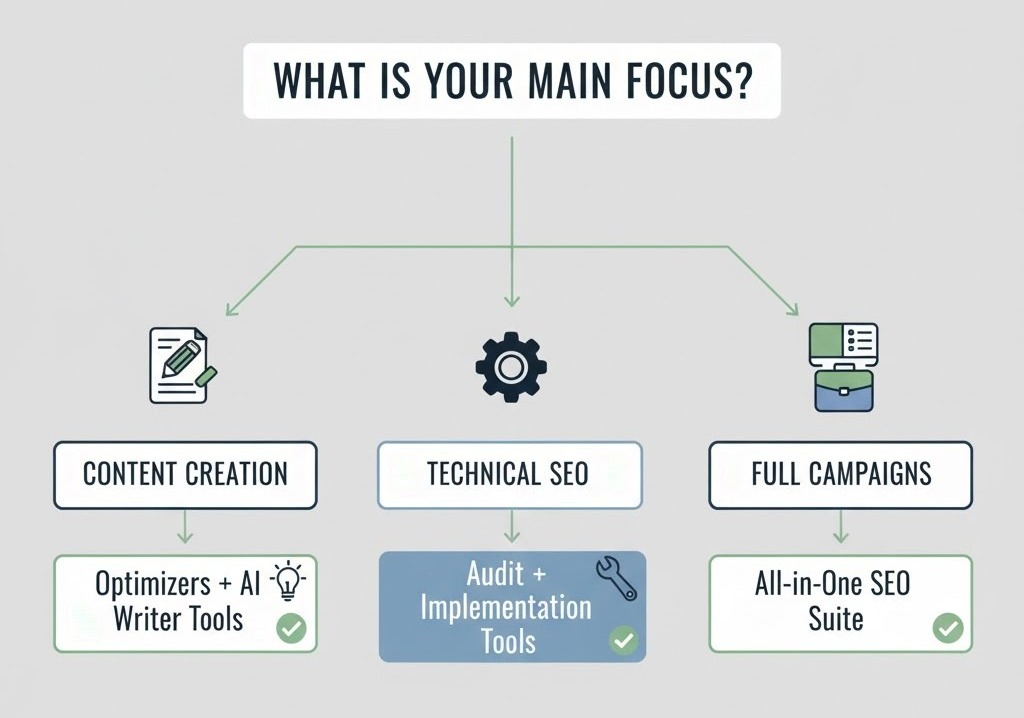
Choosing the best AI SEO software shouldn’t feel like a gamble, but from what I’ve seen, people get stuck because every tool claims to “do everything.” Look, the easiest way to cut through that noise is to start with your actual needs, not the features a tool tries to sell you. And yes, that difference saves you money and a lot of stress.
If you only write content, you don’t need an enterprise-level audit suite. And if you’re running technical projects, you don’t want a writer that pretends it can fix indexing.
Focus on a few basics: accuracy, speed, ease of use, pricing that doesn’t trap you, and results you can measure. However, instead of going for the most ostentatious tool, go for the one that makes your day easier. And trust me, you’ll feel that difference fast.
Now, once you know your goals, picking tools gets simple. Aim for one strong research tool, one content optimizer, one writer you actually like using, and something technical that keeps your site from falling apart. Small stack outperforms the giant all-in-one setups people never fully use.
You’ve got options. Let’s look at the ones that actually work.
What Are the Best AI SEO Tools?
When people ask for the best AI SEO software, they usually want one magic pick, but it doesn’t work that way. Each tool in this list solves a different problem; that’s why mixing a few gives you way better results than relying on one giant platform. And honestly, that’s where most teams get it wrong.
The truth is that you only need tools that genuinely assist your work; you don’t need twenty tools. Some of these are great for research, some shine at content optimization, and some keep the technical side from blowing up when you’re not looking.
Now, the tools here are grouped into categories so you’re not guessing where each one fits. And that structure makes it easier to pick what you need instead of chasing every trend that shows up on your feed.
Let’s get into the category-wise list.
1. Semrush
Semrush is the tool people lean on when they want everything in one place; it earns that spot. The reason Semrush excels is that it provides context rather than random numbers.
Knowing why a competitor ranks is worth way more than just seeing that they do. The clarity you get from their keyword tools and audits saves you hours you’d normally spend piecing things together.
It can feel heavy if you only need a couple of features, and the pricing pushes some beginners away.
Special AI Integrated Features
- Semrush Copilot
You get an assistant that pulls data together fast and turns it into clear, ranked suggestions. It’s helpful when you’re juggling multiple projects because it points out traffic drops and new opportunities without making you dig through reports. Still, you’ll notice moments where it oversimplifies, so you’ll want a second look before acting on everything.
- AI Visibility ToolKit (and Enterprise AIO)
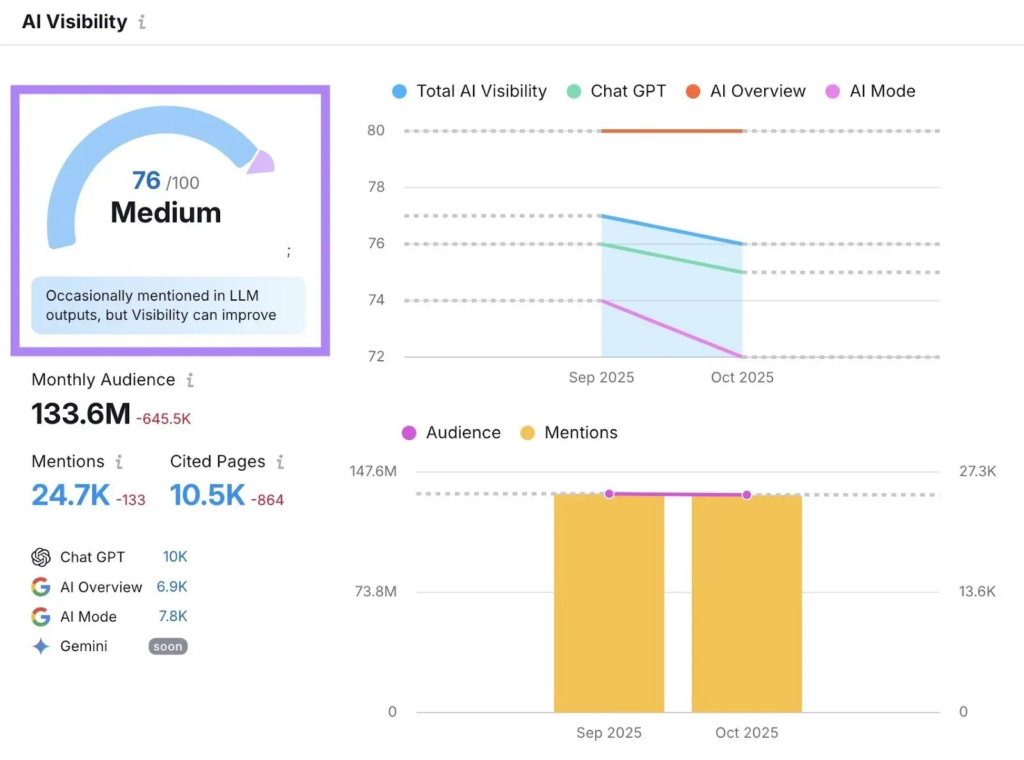
This group of tools shows how often your brand shows up inside AI answers across Google’s AI Overviews, ChatGPT, and Perplexity. It tracks presence, compares you to competitors, and gives a sense of whether AI systems actually view your content as useful. The setup leans heavier for smaller teams, but it offers clarity you won’t get anywhere else.
- Sentiment Analysis
You see how often you’re mentioned and whether competitors dominate answers that matter. It’s straightforward, though you may find some fluctuations that need context.
- Prompt Research & Tracking
This checks the emotional tone around your brand mentions, which is handy for spotting reputation issues early. Some readings feel broad, but it still points you in the right direction.
- Site Audit for AI Search
You can see which prompts surface your content and watch daily visibility shifts. It’s practical when you’re testing prompt-based content strategies, even if the insights aren’t as deep as you’d want.
- ContentShake AI
You get drafts, topic ideas, and fast outlines without fighting the interface. It’s helpful for quick production cycles, though you’ll still refine most pieces before publishing.
- SEO Writing Assistant (SWA)
SWA sits inside Docs, WordPress, and the browser to keep your writing aligned with SEO and readability basics. It highlights weak areas on the fly, which speeds up editing. The scoring system can feel rigid if you’re an experienced writer, but it’s still effective for consistency.
- Keyword Recommendation
It surfaces related terms and semantic keywords that fit your topic. Some suggestions hit better than others, but it does save time.
- Readability and Tone Analysis
You get quick checks that help keep the draft clear and on-brand. Advanced writers may want more nuance, but it’s clean and practical.
- Originality Check
This scans for content overlap and flags anything that needs rewriting. It’s mostly accurate, though it occasionally catches harmless phrasing.
Pros
- Big, reliable keyword database that keeps improving
- Strong site audit tool that catches issues early
- Competitive research that actually makes sense
- Content and topic tools that help you write smarter, not just faster
- Tracking that doesn’t make you second-guess your numbers
Cons
- Pricey if you’re not using it daily
- Can feel overwhelming for beginners
- Some extras cost more than they should
Pricing
Plans usually start around the mid-tier range and go up based on how many projects and reports you need. Teams that use it consistently get their money’s worth fast.
2. Ahrefs
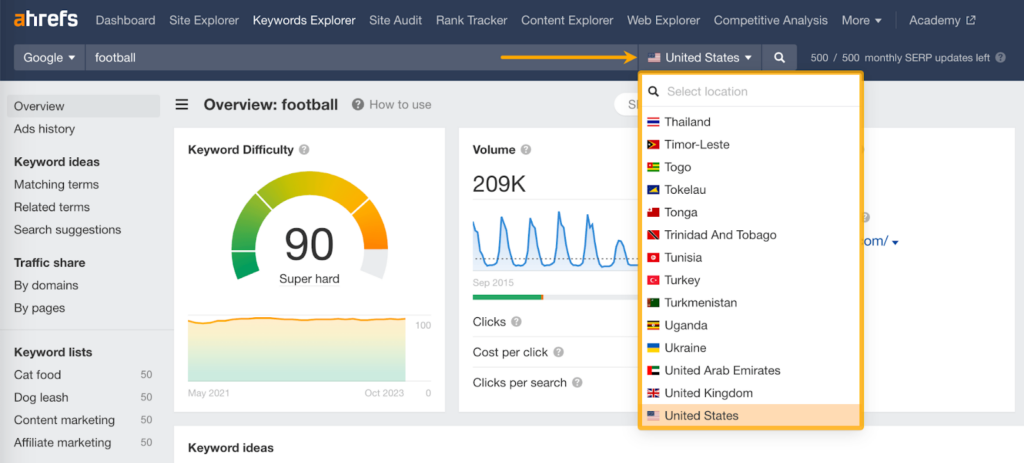
Ahrefs is the tool I reach for when I want backlink data that actually tells a story. It’s built around link insights, competitor gaps, and keyword depth that feels grounded instead of guessy. It’s one of the few platforms where the data rarely feels off.
The truth is that Ahrefs isn’t attempting to be everything. It does a great job with backlinks, content gaps, keyword strength, and site health. If you care about authority and what’s propping up your competitors, this is the place you start.
Some features feel tucked away, and pricing jumps fast if your team grows.
Special AI Integrated Features
Keywords Explorer
- AI Seed Keyword Suggestions:
This turns one root term into a batch of fresh ideas that feel less predictable. It’s great for spotting angles others skip. Some ideas drift off-topic, but the gems hit hard.
- AI Keyword Intents:
Ahrefs studies the pages that already rank and breaks intent into clear buckets. You get a sharper sense of what searchers expect before you even start writing. A few results feel broad, but it keeps your content aligned.
- AI Keyword Translator:
For international work, this saves hours. It translates full keyword lists into dozens of languages and keeps the local flavor mostly intact. You’ll still need a quick review for slang, but it’s fast and practical.
Content Marketing and Optimization
- AI Content Helper:
This guides you through drafting and shows where your topic coverage feels thin. It nudges you toward stronger depth without pushing awkward stuff. Advanced writers may want more freedom, but it’s solid for shaping early drafts.
- AI Content Grader:
It stacks your content against top competitors and highlights missing topics. You’ll fix gaps faster, especially during rewrites. Some suggestions repeat, though the core insights help tighten pages.
- AI Content Detector:
This tool flags text that sounds too machine-like and offers ways to rewrite it. It’s helpful when you want a consistent voice across a team. Accuracy is good, not perfect, so pair it with manual judgment.
Brand Monitoring and Site Audits
- Brand Radar AI:
You can track how often your brand shows up inside AI-generated search answers across ChatGPT, Google’s AI Overviews, and Perplexity. It also compares your presence against competitors. Early data feels a little jumpy, but it’s already useful.
- Patches (Upcoming Feature):
Ahrefs is working on AI-powered auto-fixes for simple SEO issues like missing metas or messy titles. One-click changes can save time, though you’ll still want to confirm edits before pushing them live.
Free AI Writing Tools
- Paraphrasing Tool:
Quick rewrites that keep meaning intact.
- Summarizer Tool:
Pulls the key points so you don’t dig through walls of text.
- Product Description Generator:
Handy for fast product copy, though a human pass always improves it.
- Social Media Caption and Bio Generators:
Good for quick ideas. Best used as starting points, not finished lines.
Pros
- One of the strongest backlink databases out there
- Keyword data that’s reliable and easy to act on
- Site Explorer gives clear insight into what’s driving rankings
- Content Gap tool that actually saves you time
- Fast crawls and reports that don’t feel cluttered
Cons
- Pricing climbs quicker than most expect
- No free plan or light starter option
- Some features feel less intuitive for beginners
Pricing
Plans start in the higher bracket and scale based on user seats and data limits. It’s an investment, but agencies and serious SEO teams depend on it for a reason.
3. SE Ranking
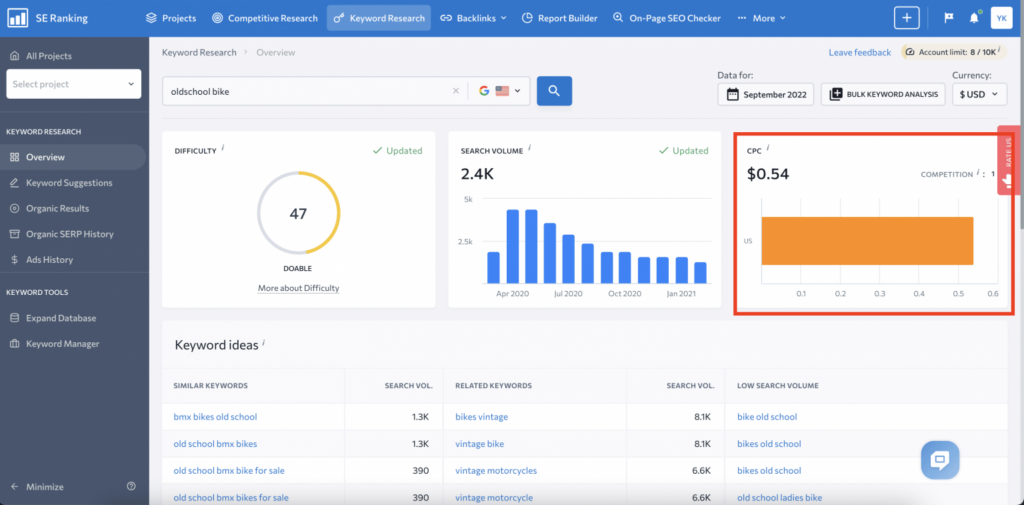
SE Ranking is the tool I recommend when someone wants solid all-around features without paying enterprise prices. It covers rank tracking, keyword research, audits, and competitor checks in a way that feels straightforward instead of overwhelming. The accuracy on the rank tracker is one of the best in its class.
The reason this platform works is that it doesn’t attempt to be sophisticated. Really, you get clear data, easy-to-use navigation, and reports that don’t require supervision. From my experience, small teams and freelancers love it because it feels fast and practical, not bloated.
The keyword database isn’t as massive as Semrush or Ahrefs, and some advanced features feel a bit light.
Special AI Integrated Features
Visibility Tracking:
AI Results Tracker
This keeps an eye on how your brand shows up in AI-generated answers across Google AI Overviews, ChatGPT, and Gemini. It also stacks your visibility against competitors so you can see who’s actually winning space. Some jumps in the data need a quick sanity check, but the overall view is strong.
Historical Trends:
You get a timeline of how your AI presence shifts. It’s helpful when you’re trying to spot patterns and see whether your recent updates made any impact.
AI Writer
This helps you shape early drafts fast. It gives you structure and direction so you’re not starting from a blank screen. You’ll still polish tone and depth, but it speeds up the first stage.
AI-powered On-Page SEO Checker
This runs your content against pages already ranking and shows where improvements matter most. You get direct action steps rather than vague hints. It’s practical when you need quick fixes.
AI-powered Content Marketing Platform
This tool looks at top performers and shows which topics they cover that you’re missing. It’s a simple way to strengthen content without stuffing random keywords. Good for refresh cycles.
AI-powered Insights
This tracks how competitor keyParaphrasing Toolwords move and flags shifts that might affect your strategy. It also points out cannibalization issues that often go unnoticed. Clear insights, fast decisions.
Pros
- Accurate rank tracking that updates fast
- Clean interface that doesn’t slow you down
- Affordable pricing, even for solo SEOs
- Solid audits with clear, actionable fixes
- Easy reporting for clients or managers
Cons
- Keyword database smaller than the big players
- Competitive insights not as deep
- Some features feel simpler than advanced users may want
Pricing
Plans start in a budget-friendly range, and you can lower the cost even more by adjusting tracking frequency.
Content Research + On-Page Optimization
1. SurferSEO
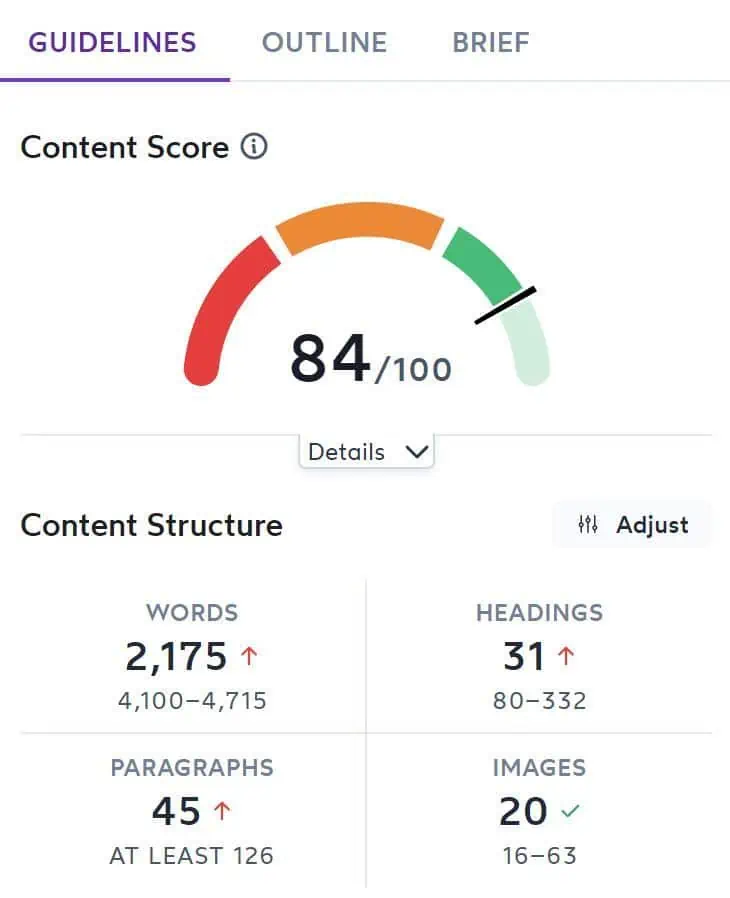
SurferSEO is the tool I use when I want content to match what’s actually winning the SERPs. It pulls real data from top-ranking pages and turns it into clear guidelines you can act on fast. Its Content Editor is one of the easiest ways to keep writers aligned with search intent without turning briefs into homework.
The reason Surfer works is that it keeps things realistic. You get content scores, keyword suggestions, structure ideas, and internal link prompts in seconds. Teams crank out better drafts when they have this level of direction.
Some writers get hung up on chasing the score instead of writing naturally, and the NLP suggestions sometimes push too many secondary keywords.
Pros
- Strong, data-backed content recommendations
- Content Editor that’s easy for teams to follow
- Helpful NLP-based keyword suggestions
- Internal link suggestions that save time
- Fast, brief creation
Cons
- Scores can push over-optimization
- Keyword lists sometimes feel crowded
- Pricing jumps if you need lots of briefs
Pricing
Plans start at a mid-range price, and costs scale based on how many articles you optimize. If content is your main workload, Surfer usually pays for itself.
2. MarketMuse
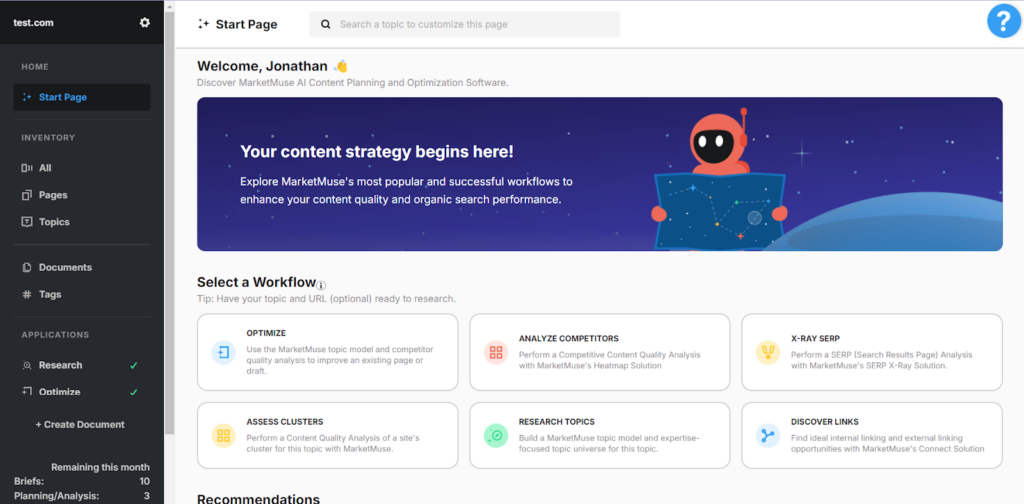
MarketMuse is the tool people turn to when content strategy needs real depth, not guesswork. It’s built to map topics, coverage gaps, and authority signals in a way most tools can’t touch. It’s one of the best platforms for planning long-term content that actually strengthens a site instead of just adding more articles.
The problem is that MarketMuse excels when you’re competing in crowded niches or handling complicated subjects. It feels more strategic than tactical in terms of content scores, cluster insights, and briefing tools.
It’s pricey, and the learning curve catches some people off guard.
Pros
- Deep content and topic modeling
- Smart clusters that help build authority
- High-quality content briefs for writers
- Strong recommendations for filling gaps
- Great for scaling long-term strategy
Cons
- One of the higher-priced tools
- Takes time to learn
- Heavy for small teams that just need basics
Pricing
Pricing sits at the premium end, with plans best suited for teams handling high-volume content or large campaigns. If long-term authority is your target, this investment usually pays off.
3. Clearscope
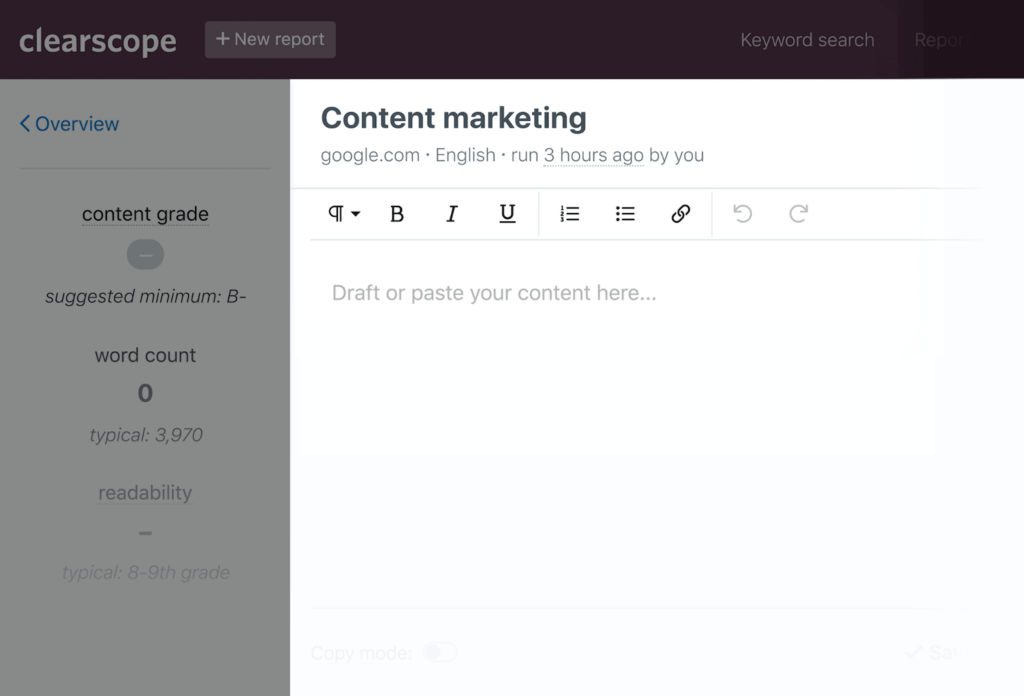
Clearscope is the tool I reach for when I want clean, simple content optimization without the noise. Its interface is so straightforward that writers usually jump in and get it within minutes. The recommendations stay focused on relevance instead of stuffing keywords for the sake of it.
The truth is that Clearscope works best when you need polished content that still complies with Google’s requirements while reading naturally. Its grading system, readability checks, and keyword suggestions feel balanced, not pushy.
The pricing hits hard if you’re producing lots of content, and sometimes the suggestions feel a bit too safe compared to tools that go deeper into strategy.
Pros
- Clean interface that writers actually enjoy
- Strong keyword and readability suggestions
- Accurate content grading based on live SERP data
- Easy onboarding for teams
- Great for polishing drafts quickly
Cons
- Pricey for high-volume content teams
- Lighter on strategy features than MarketMuse
- Some suggestions feel conservative
Pricing
Plans start at a premium level and scale based on usage. If quality and simplicity matter more than extra features, it’s worth the spend.
4. Frase
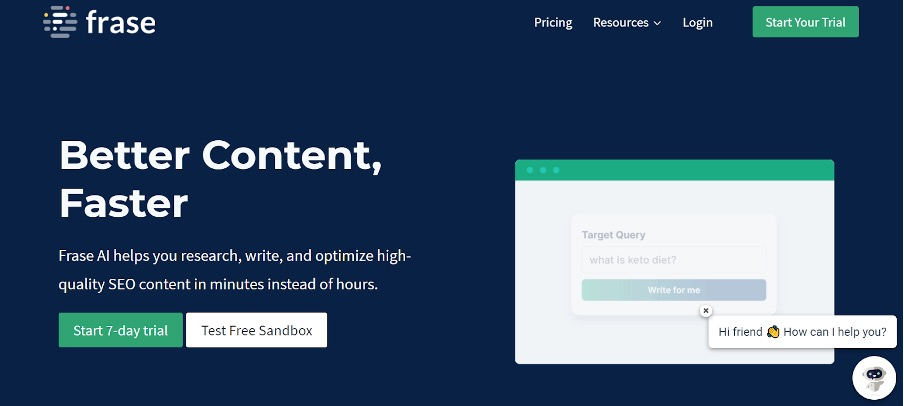
Frase is the tool I grab when I need quick research and a draft-ready outline without sifting through a dozen tabs. It pulls insights from competing pages, highlights what matters, and shapes everything into a brief your writers can run with fast. It’s one of the easiest ways to keep content aligned with search intent.
The problem is that Frase concentrates on speed. The SERP analysis, outline builder, and AI draft generator cut a chunk of time out of the early content workflow.
The AI drafts need editing, and some topic suggestions feel broad if the niche is too technical.
Pros
- Fast SERP analysis and outline building
- Simple, intuitive brief creation
- AI draft generator that speeds up early writing
- Helpful content scoring
- Great for high-volume content teams
Cons
- AI drafts need cleanup
- Suggestions can feel generic in complex niches
- Interface feels crowded at times
Pricing
Pricing starts in an affordable range, especially for solo writers or small teams. If your workflow needs speed more than heavy strategy, Frase fits right in.
Need help choosing the right AI SEO stack?
AI Writing Assistants
1. Jasper
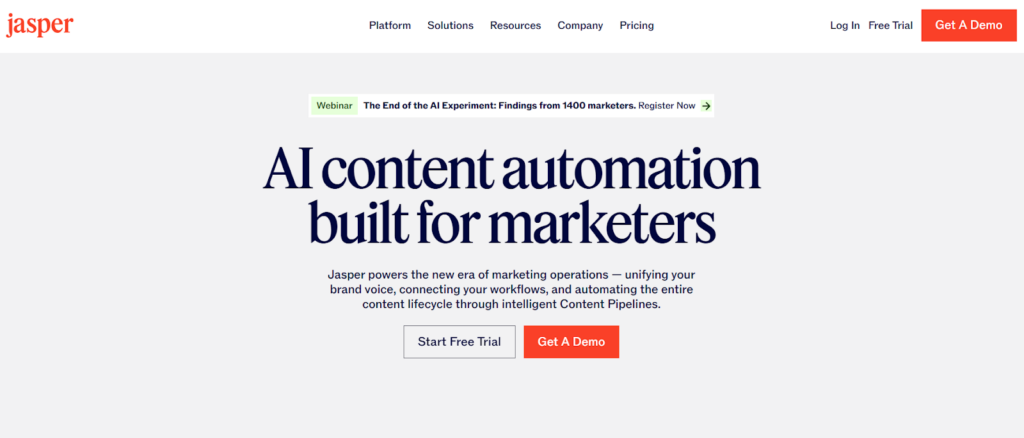
Jasper is the writing assistant I see teams grab when they want clean drafts fast without babysitting the AI. It’s built to help you write context-aware content; it does a solid job staying on-topic compared to a lot of tools that wander off the point. And when you’re juggling deadlines, that matters.
The truth is that Jasper functions best when you give it precise instructions. Give it a solid brief, and it’ll help you create outlines, intros, and full drafts that don’t sound like mush. The tone controls and templates are what make it feel practical instead of gimmicky.
It can repeat ideas if you’re not guiding it, and long drafts sometimes need tightening.
Pros
- Strong tone control that keeps writing consistent
- Great for outlines, intros, and first drafts
- Easy for teams to collaborate
- Fast and flexible templates
- Good for high-volume workflows
Cons
- Needs clear prompts for best results
- Can get repetitive in longer pieces
Pricing
Pricing is in the mid-to-premium range and scales with usage and team size. If writing is your bottleneck, Jasper makes a noticeable difference.
2. Writesonic
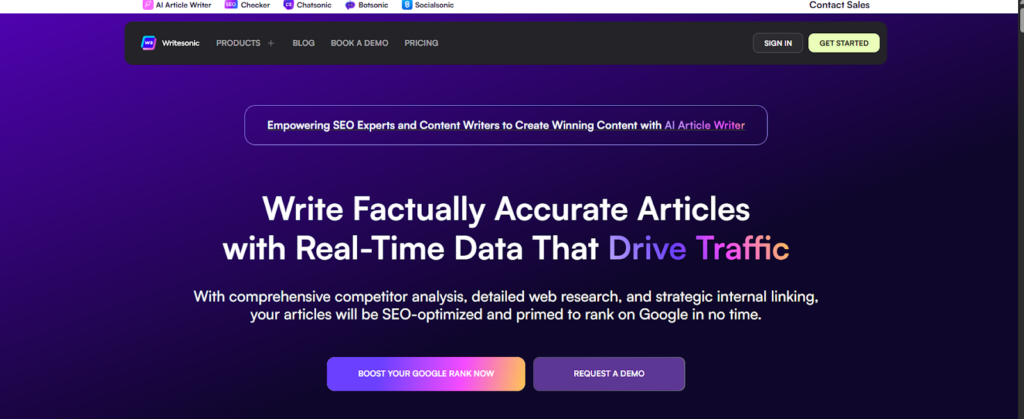
Writesonic is the tool I recommend when someone wants fast drafts without digging through complicated menus. It’s built for speed, and from what I’ve seen, it handles everything from blog posts to social captions without feeling clunky. And when you’re under pressure to ship content, that simplicity hits the spot.
The truth is that Writesonic excels when you need to come up with quick ideas or variations. The AI can generate multiple angles in seconds, which helps when you’re stuck staring at a blank page. Teams appreciate how flexible it is, especially when they’re working across different formats.
Some outputs feel a bit generic if you don’t steer them tightly, and longer content sometimes needs more editing than you’d expect.
Pros
- Fast content generation across multiple formats
- Easy interface that doesn’t slow you down
- Great for idea generation and variations
- Strong value for the price
- Helpful for teams juggling mixed content types
Cons
- Generic outputs if prompts aren’t clear
- Longer articles need more cleanup
- Some tools feel experimental
Pricing
Pricing starts low enough for solo writers and scales nicely for teams. If you want a flexible assistant that moves fast, this one fits the bill.
3. RankIQ
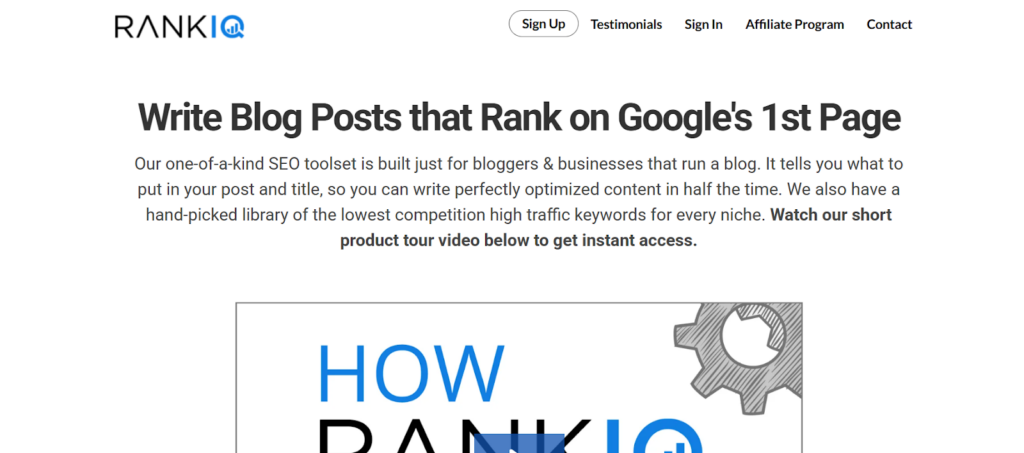
RankIQ is the tool I point bloggers to when they want rankings without spending hours buried in research. It’s built around pre-vetted keyword lists, so you’re not guessing what’s worth writing about those lists save a ridiculous amount of time, especially if you’re in competitive niches.
The reason RankIQ works is that it emphasizes simplicity. In actuality, you receive content writing, a keyword library, and a clear outline builder that reduces noise. Creators love it because they don’t need to be SEO pros to make it work.
Look, agencies might find it limiting, and the database isn’t as massive as the big suites.
Pros
- Pre-vetted keywords that save hours
- Simple optimizer with clear scoring
- Easy outline builder for quick starts
- Great for bloggers and solo creators
- Low learning curve
Cons
- Smaller keyword database
- Not ideal for big SEO teams
- Limited competitive tools
Pricing
Pricing stays affordable, especially for bloggers who publish consistently. If you’re building a content library and want reliable targets, it’s a strong pick.
Keyword Research & Intent Tools
1. AnswerThePublic
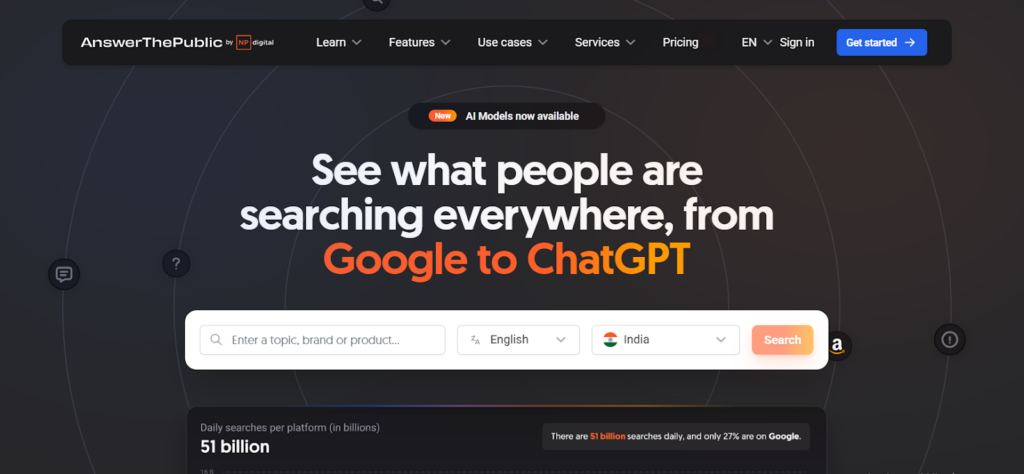
AnswerThePublic is the tool I open when I need to understand what people actually ask before they buy, click, or compare. It scrapes real search questions and turns them into clusters you can scan in seconds. It’s one of the easiest ways to spot content gaps fast.
The fact that this tool focuses on human language is what makes it effective. The questions, prepositions, and comparisons it surfaces help you shape content that matches real intent, not just keywords. It’s especially useful when you’re planning FAQ sections or looking for long-tail opportunities.
Pros
- Great for finding real user questions
- Easy way to uncover long-tail content ideas
- Strong for FAQs and topical clusters
- Fast and intuitive for brainstorming
- Helps match natural search behavior
Cons
- Free plan is very limited
- Visual layout can feel cluttered
- Not ideal for deep keyword analysis
Pricing
Paid plans sit in the lower-to-mid range, and you get unlimited searches. If you value real questions as content fuel, this is an easy yes.
2. AlsoAsked
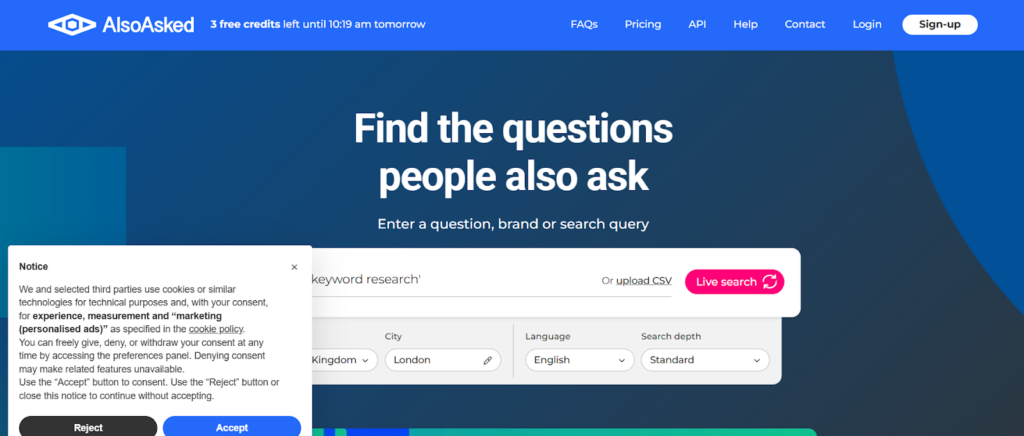
AlsoAsked is the tool I use when I want a clean map of how Google connects questions in the SERPs. It pulls real People Also Ask data and shows you how queries branch out, which is insanely helpful when you’re building outlines that actually match search depth. It’s one of the best ways to understand how Google organizes follow-up intent.
The reason this tool works so well is that it makes thought patterns visible. Really, it’s much simpler to organize content that satisfies all of the reader’s expectations when you can see how one question leads to another. From my experience, it’s a lifesaver for long-form blogs and topic clusters.
You won’t get search volume, difficulty scores, or filters like Semrush or Ahrefs.
Pros
- Clear PAA mapping for outlines
- Great for intent-driven content
- Simple interface with fast exports
- Perfect for FAQs and cluster pages
- Helps avoid thin or incomplete content
Cons
- No keyword metrics
- Limited historical data
- Not ideal as a standalone research tool
Pricing
Pricing stays affordable and scales based on how many searches you run. If you need intent clarity, this tool pays for itself almost instantly.
Technical SEO & AI Search Visibility
1. Screaming Frog
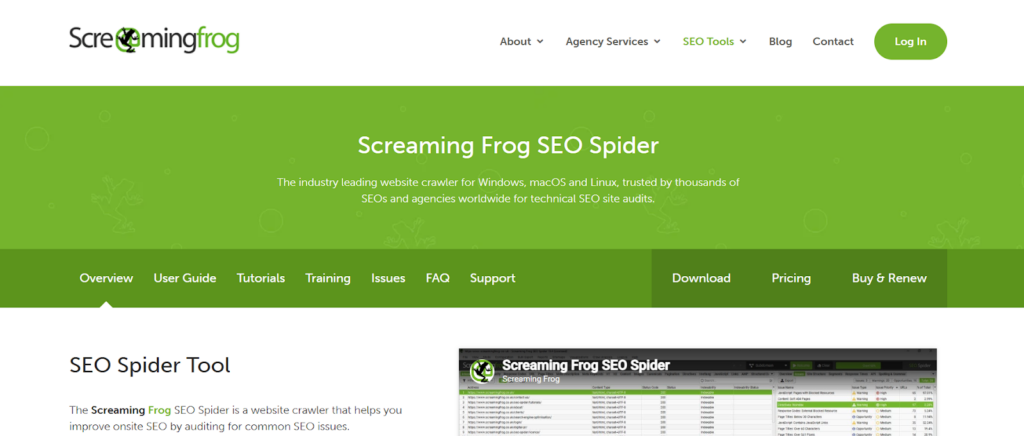
Screaming Frog is the crawler I pull up when I need the truth about a site fast. It scans everything, including links, titles, redirects, and status codes, and presents the results in a way that makes issues impossible to overlook. And nothing beats it for catching technical issues before they turn into ranking headaches.
The problem is that Frog is all about being visible. And the interface feels old-school, and beginners sometimes get lost in the spreadsheets.
Pros
- Fast, accurate crawling
- Catches technical issues instantly
- Great for audits and migrations
- Tons of export options for teams
- Works on small and massive sites
Cons
- Interface can feel overwhelming
- Requires some technical know-how
- Advanced features take time to master
Pricing
There’s a free version with limits, and the paid license stays affordable for most teams. If technical SEO matters to you, this crawler is almost impossible to replace.
2. Alli AI
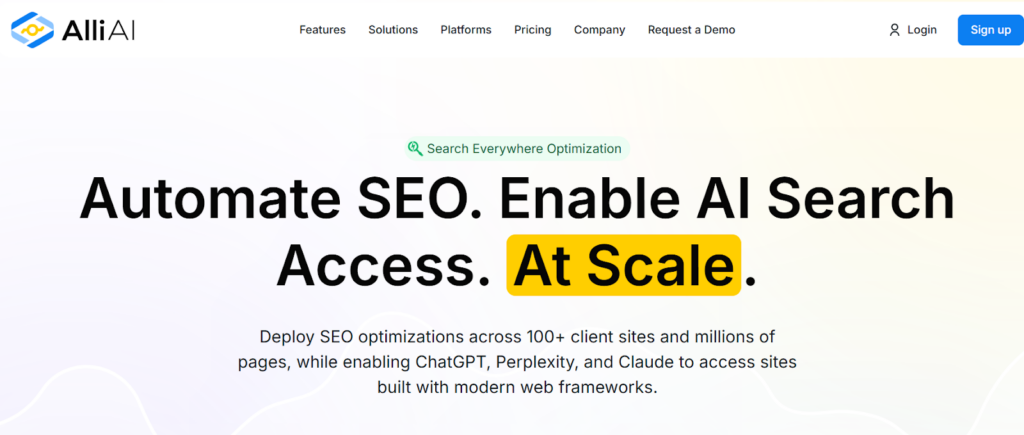
Alli AI is the tool I reach for when teams want technical fixes without wrestling with code all day. It plugs into your site and lets you push optimizations straight to pages without waiting on developers. That alone saves weeks of back-and-forth on simple SEO tasks.
The thing is, Alli AI makes technical changes manageable for non-technical people. Honestly, tasks such as title updates, redirects, schema adjustments, internal link fixes, and on-page tweaks turn into a simple point-and-click process.
It won’t replace a full dev workflow on complex sites, and sometimes the automation feels a bit heavy-handed if you don’t double-check the rules.
Pros
- Pushes SEO changes without dev delays
- Great for schema, titles, redirects, and on-page tweaks
- Automates repetitive technical tasks
- Works well for teams with limited engineering support
- Cuts audit-to-implementation time dramatically
Cons
- Not ideal for deep custom setups
- Automation rules need careful review
- Pricing fits mid-to-large teams more than solo SEOs
Pricing
Pricing sits on the higher end because it focuses on automation at scale. If slow implementation is killing your SEO progress, this tool solves that problem fast.
3. ZipTie.dev
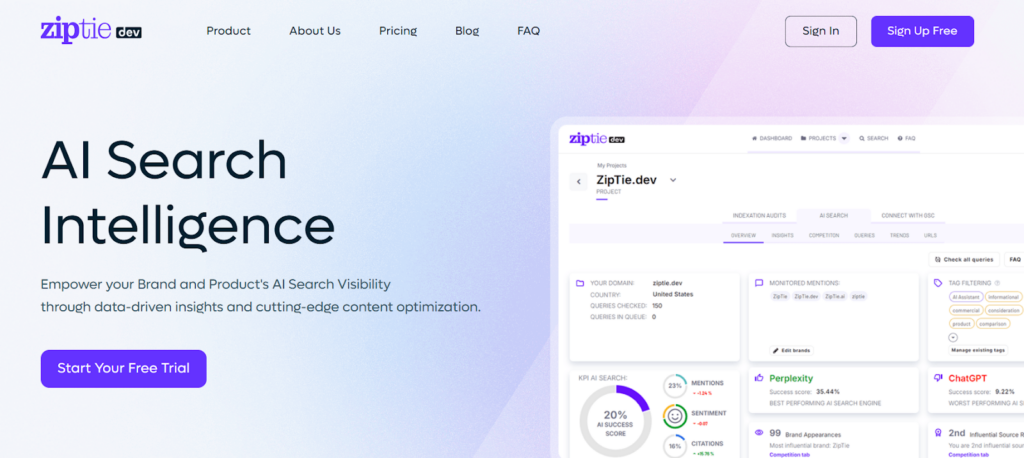
ZipTie.dev is the tool I use when I want AI to spot technical issues I’d usually spend hours digging through. It crawls your site, pulls the data together, and highlights problems in a way that feels clear instead of overwhelming. It’s especially good at catching things other tools quietly miss.
The problem is that ZipTie.dev strongly favors automation. It identifies problems, explains their significance, and provides solutions without requiring you to understand technical jargon. That’s a lifesaver when you’re juggling audits across multiple sites.
Still, it’s not a full replacement for a deep technical review.
Pros
- AI-powered insights that save hours
- Clean overview of issues and fixes
- Great for quick technical snapshots
- Helpful for teams without heavy tech expertise
- Easy to use on multiple projects
Cons
- Not as detailed as Screaming Frog for deep crawls
- Needs manual checks on complex sites
- Younger tool, so features evolve often
Pricing
Pricing usually falls within the middle range, thus being affordable to both freelancers and in-house teams. If you need fast technical clarity without drowning in data, it’s worth a serious look.
Comparison Table For AI SEO Tools
| Tool | Category | Best For | Key Strength | Pricing Range |
| Semrush | All-in-One Suite | Full campaigns | Huge keyword and competitor database | Mid to high |
| Ahrefs | All-in-One Suite | Backlinks and research | Accurate link and click metrics | High |
| SE Ranking | All-in-One Suite | Small teams | Affordable rank tracking | Low to mid |
| SurferSEO | Content Optimization | On-page and briefs | Data-driven content editor | Mid |
| MarketMuse | Content Strategy | Authority building | Deep topic modeling | High |
| Clearscope | Content Optimization | Polished writing | Clean, writer-friendly scoring | High |
| Frase | Content Optimization | Fast briefs | Quick SERP insights and outlines | Low to mid |
| Jasper | AI Writing | Teams writing at scale | Strong tone control | Mid to high |
| Writesonic | AI Writing | Fast drafts | Flexible, quick content | Low to mid |
| RankIQ | AI Writing | Bloggers | Pre-vetted keywords | Low |
| Semrush KMT | Keyword Research | Content planning | Strong clustering and intent | Mid to high |
| Ahrefs KE | Keyword Research | Intent accuracy | Click metrics and parent topics | High |
| AnswerThePublic | Keyword Research | FAQs and long-tails | Real user questions | Low to mid |
| AlsoAsked | Keyword Research | Intent mapping | PAA tree breakdown | Low |
| Screaming Frog | Technical SEO | Full audits | Fast, deep crawls | Low |
| Alli AI | Technical SEO | Fast fixes | No-dev on-page edits | High |
| ZipTie.dev | Technical SEO | Quick insights | AI-powered issue detection | Mid |
Conclusion
Choosing the best AI SEO software isn’t about grabbing the biggest list. Look, it’s about knowing which ones actually support the way you work. From what I’ve seen, the real wins come from pairing a solid all-in-one suite with a few tools that sharpen content, tighten technical issues, and help you understand intent without wasting hours.
The thing is, AI won’t fully replace SEO, it’s going to cut down the amount of work that used to take up your week. With a mix of the right tools, you go faster, publish smarter, and fix problems before they hit your rankings. And honestly, that’s what gives you an edge.